Welcome to WordPress. This is your first post. Edit or delete it, then start writing!
You know your business needs a stronger digital presence.
But what should you actually build?
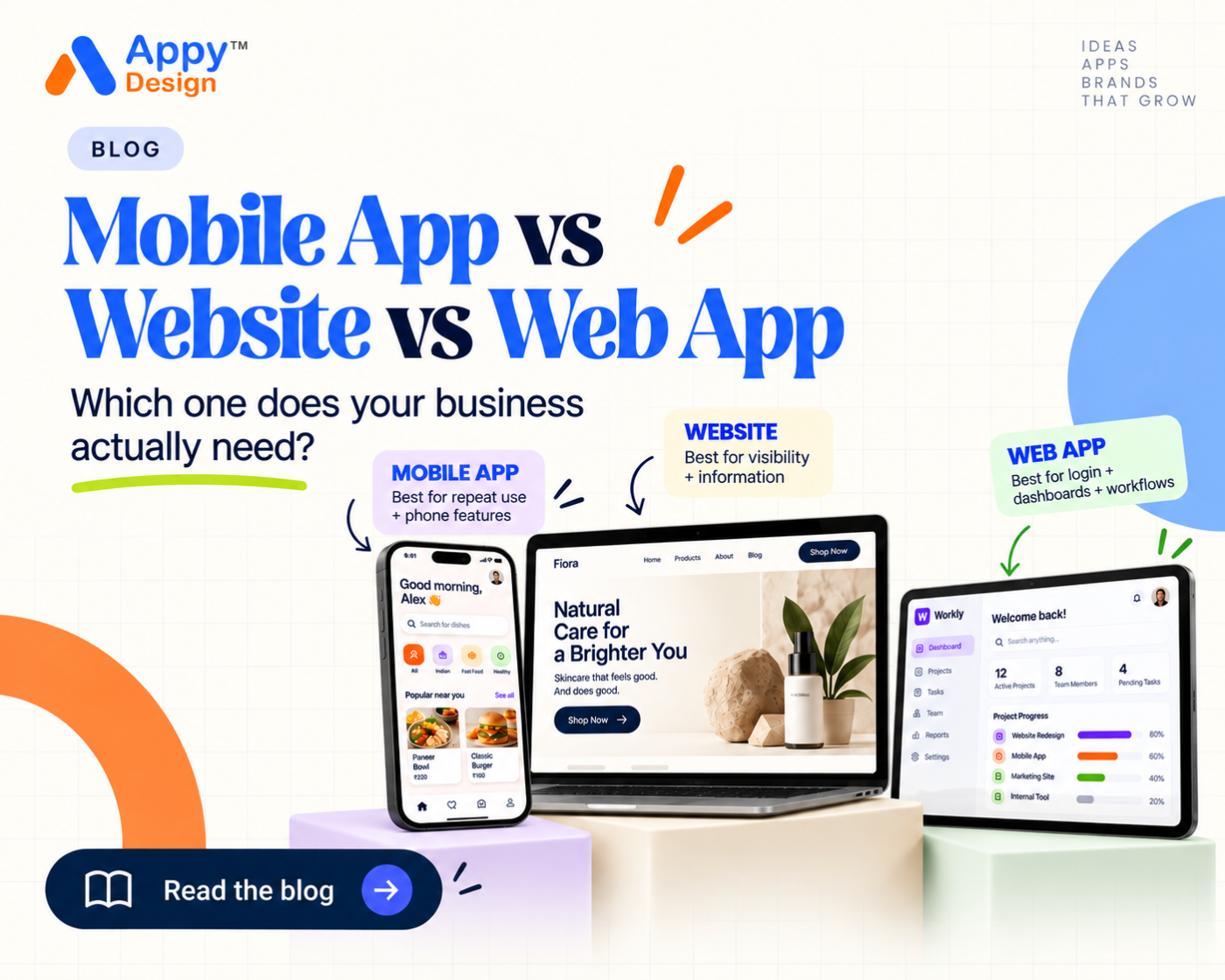
A website? A mobile app? A web application?
These terms are often used interchangeably, but they solve different problems. Choosing the wrong platform can lead to unnecessary development, additional costs, complicated user experiences, and a product your customers may not even need.
The right question isn’t:
“Which technology should we use?”
It is:
“What does our customer need to accomplish?”
Once that becomes clear, choosing between a website, web app, and mobile app becomes much easier.
What Is a Website?
A traditional website is mainly designed to help people discover and understand a business, brand, service, or product.
Visitors typically arrive through a browser such as Chrome, Safari, or Edge.
Common website purposes include:
- Introducing a company
- Explaining services
- Displaying products
- Publishing content
- Generating enquiries
- Building credibility
- Sharing contact information
- Selling products online
A design studio, consulting company, restaurant, construction company, or professional service business may be able to achieve most of its objectives through a strong website.
Installing an app shouldn’t be an additional step unless the app provides meaningful additional value.
What Is a Web App?
A web application also works through a browser, but it is more interactive.
Instead of simply reading information, users perform tasks.
For example, users may:
- Create accounts
- Upload documents
- Manage projects
- Make bookings
- Track orders
- Generate reports
- Complete payments
- Collaborate with other users
- View personalised dashboards
A customer portal, booking system, project management platform, CRM, or online ordering system would typically behave more like a web app.
An easy way to understand the difference is:
A website helps people understand something.
A web app helps people do something.
Modern products often combine both.
The public pages may behave like a website, while the logged-in section functions as a web application.
What Is a Mobile App?
A mobile app is installed on a smartphone and can provide a more personalised and device-focused experience.
Apps become particularly useful when customers interact with the product frequently.
Mobile apps can also make use of capabilities such as:
- Push notifications
- Camera
- GPS and location
- Offline functionality
- Biometrics
- Device storage
- Personalised experiences
- Real-time information
Banking, food delivery, transportation, fitness, e-commerce, social platforms, education, and productivity are common examples.
When Should You Choose a Website?
Consider a website if your users primarily need to:
- Discover your business
- Understand your services
- View your portfolio
- Read information
- Submit an enquiry
- Purchase occasionally
A website can also be easier for new customers to discover because they don’t need to install anything first.
When Does a Web App Make Sense?
A web app becomes useful when users need to repeatedly perform more complex tasks.
Imagine a printing platform.
Customers may need to:
- Log in
- Choose a print product
- Select size and material
- Upload artwork
- Choose quantity
- Review the order
- Pay
- Track production
This is more than a simple website.
It is a digital workflow.
When Should You Consider a Mobile App?
An app becomes more relevant when customers:
- Use your service regularly
- Need personalised experiences
- Make repeat purchases
- Need real-time updates
- Benefit from notifications
- Need location or device features
- Need faster access to your service
An established e-commerce business with frequent repeat customers, for example, may benefit more from a mobile application than a business that receives occasional online orders.
Don’t Build an App Just Because Competitors Have One
This is one of the easiest traps to fall into.
A competitor launches an app.
Suddenly everyone inside the company asks:
“Why don’t we have an app?”
But the competitor’s business model, users, scale, and product strategy may be completely different.
Start with your own customer journey.
Ask:
- Who is the user?
- What do they need?
- How frequently will they use the product?
- Where will they use it?
- What is difficult about their current experience?
- Could a simpler solution solve the problem?
Technology should come after these answers.
How Appy Design Approaches Product Decisions
At Appy Design, we look at the complete digital product rather than immediately jumping into screens or development.
Our process can include:
- Product discovery
- Requirement analysis
- User journey planning
- UX/UI design
- Interactive prototyping
- MVP planning
- Mobile app development
- Web application development
- Testing and product improvement
For businesses and startups in Chennai, Tamil Nadu, and across India, this approach helps reduce one of the biggest risks in digital product development: building the wrong thing well.
Build the Right Product First
Your business does not need the most complicated technology.
It needs the right experience.
If you have an idea but aren’t sure whether it should become a website, web application, or mobile app, Appy Design can help you turn the idea into a clear product direction before development begins.
- FAQ
Is a mobile app better than a website?
Not automatically. The right choice depends on user behaviour and business requirements.
Can a business have both a website and app?
Yes. Many products use websites for discovery and apps for frequent customer interaction.
What is better for a startup?
Startups should first identify the core problem, target user, and essential workflow before choosing a platform.
Can Appy Design help us decide what to build?
Yes. Appy Design can help define the product, user journey, feature requirements, UX/UI, and development approach.

Leave a Reply